Logging In
Access the Website:
Go to Wisecare Intranet using this link intranet.wisecare.com.ph
Enter Login Credentials:
On the Login page, input your registered email address and password in the respective fields.
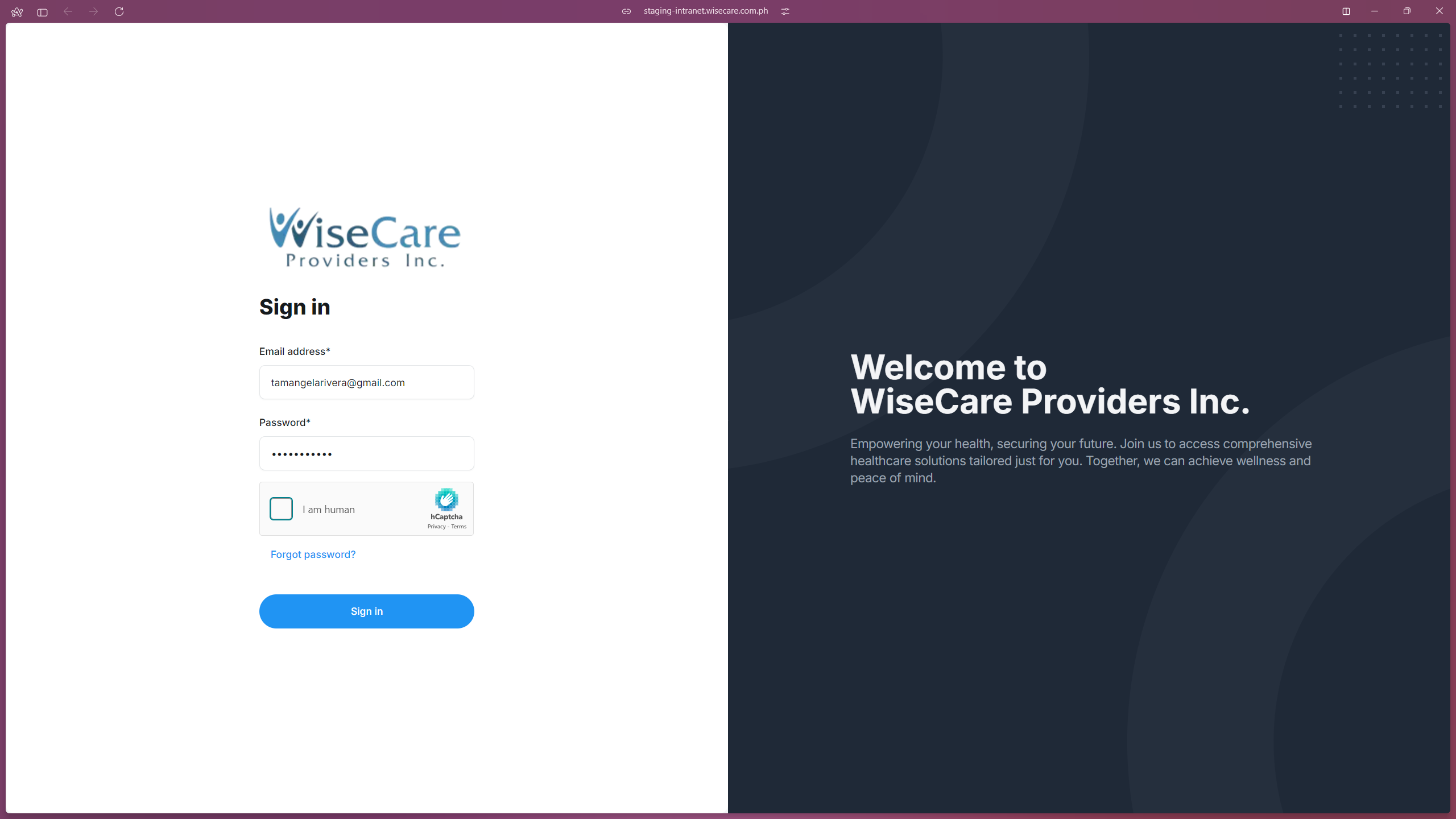
Verify CAPTCHA:
Complete the CAPTCHA verification by clicking the "I am human" checkbox and following the on-screen instructions to confirm you are not a robot.
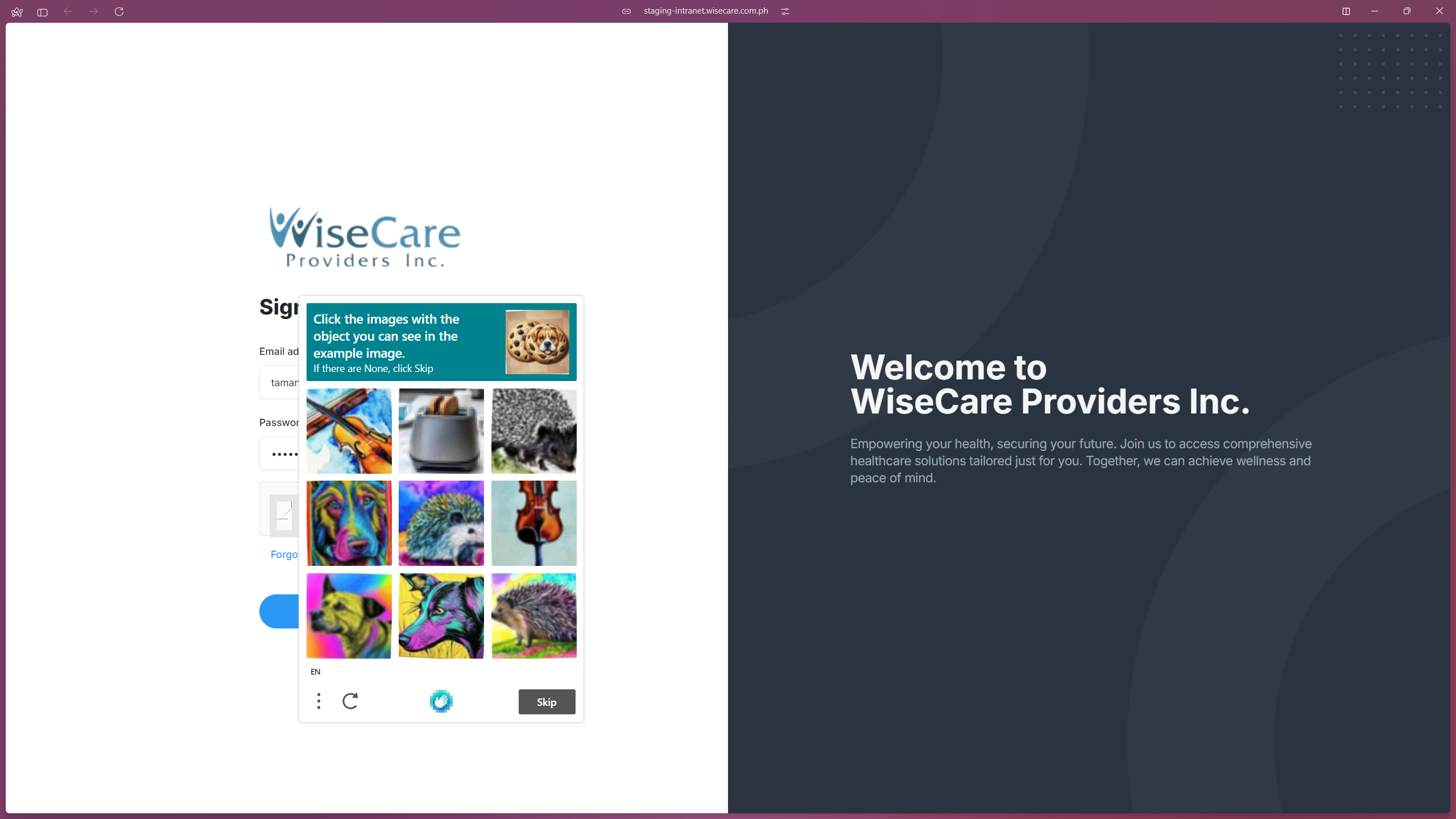
Click Login:
Press the Sign in button to access your dashboard.
Last modified: 05 December 2024